

How to link multiple wallets to the card?
Updated January 14, 2026
You can link multiple wallets to the Cypher card. Please follow the below mentioned
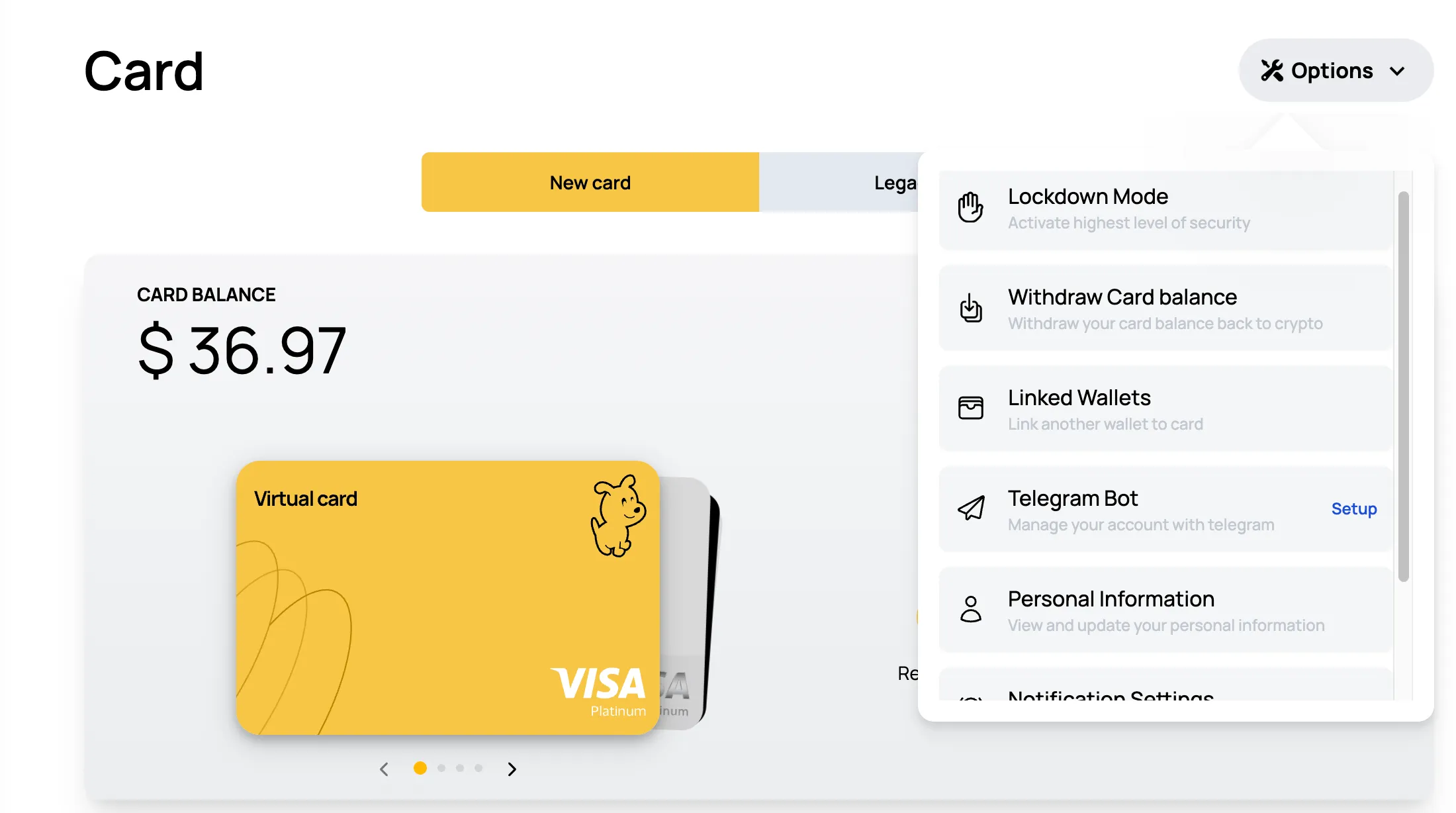
-> Login to your Cypher account and go to cards’s section
-> Select “Options”
-> Click on Linked Wallets
-> Add your wallet and the name of it
-> Confirm and you’re all settled.
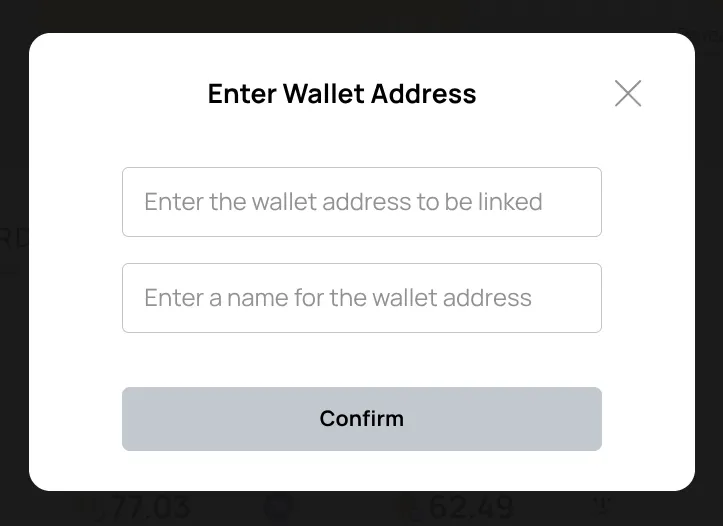
With this feature, you can link multiple wallets to your card, log in using any of them, and fund your card effortlessly.
You can delete these linked wallets anytime. The delete option is right next to each linked wallet.
Note: The process in the Mobile is the same as the Browser Version.