How to export the transactions as a CSV file?
Updated January 28, 2025
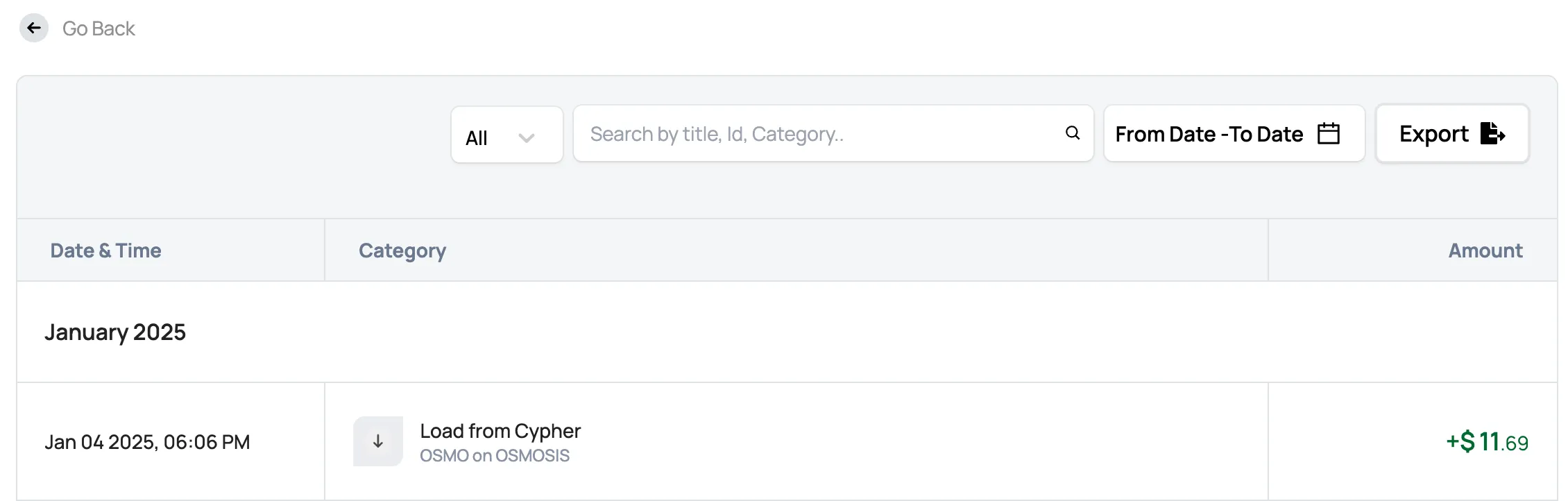
You can easily export your Cypher card transaction history as a PDF or CSV file. Just follow these simple steps:
- Log in to your Cypher account.
- Head to the “Cards” section.
- Select “View All Transactions.”
- Click the “Export” button at the top right corner of the screen to download your transaction history as a CSV or PDF.