Fund withdrawal steps for Osmosis card
Updated July 29, 2026
- Log in to your Osmosis account.
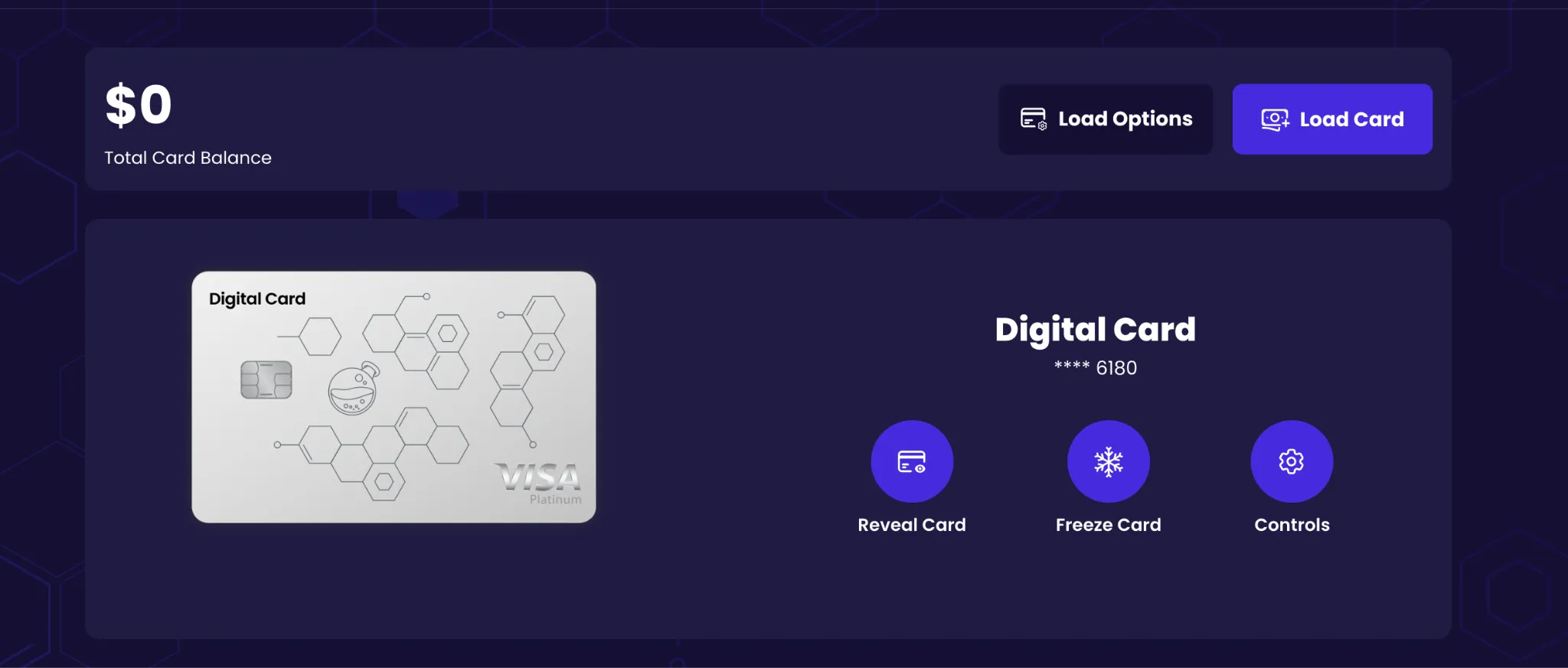
- Go to the Card page.
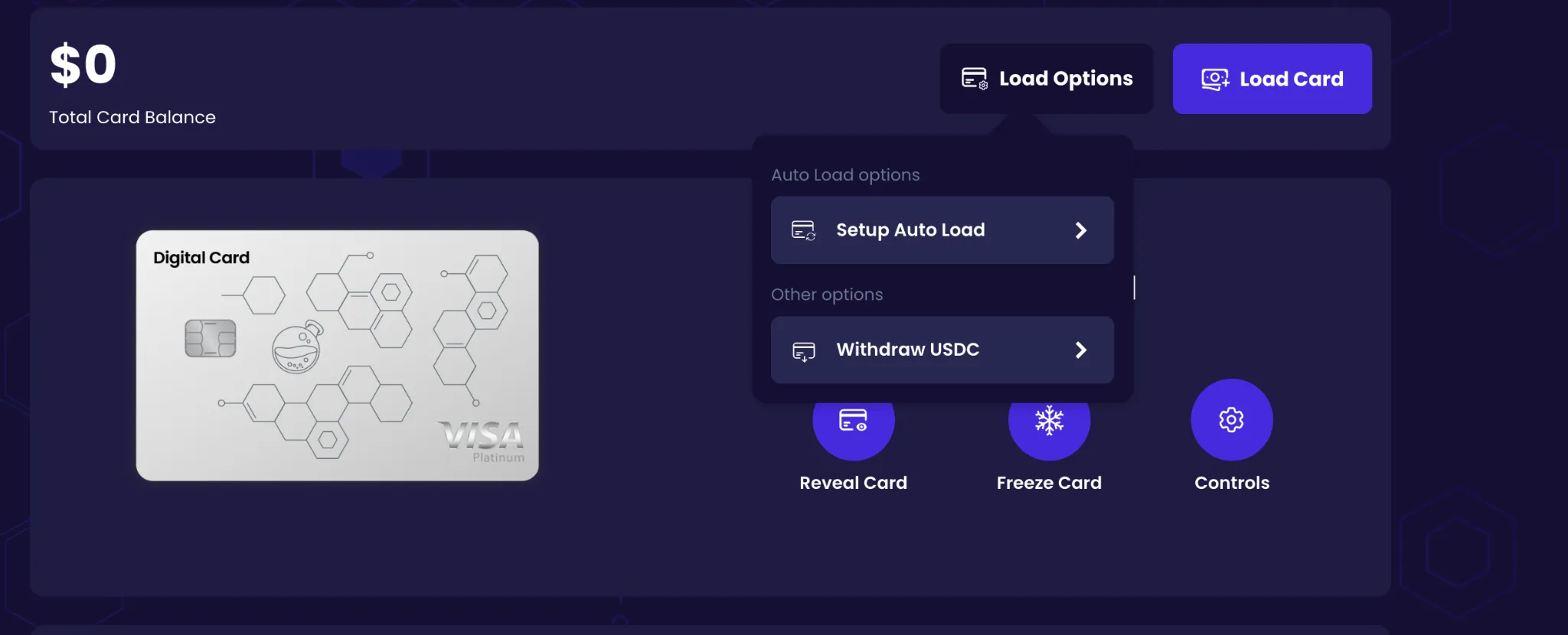
- Click Load Options.
- Select Withdraw USDC.
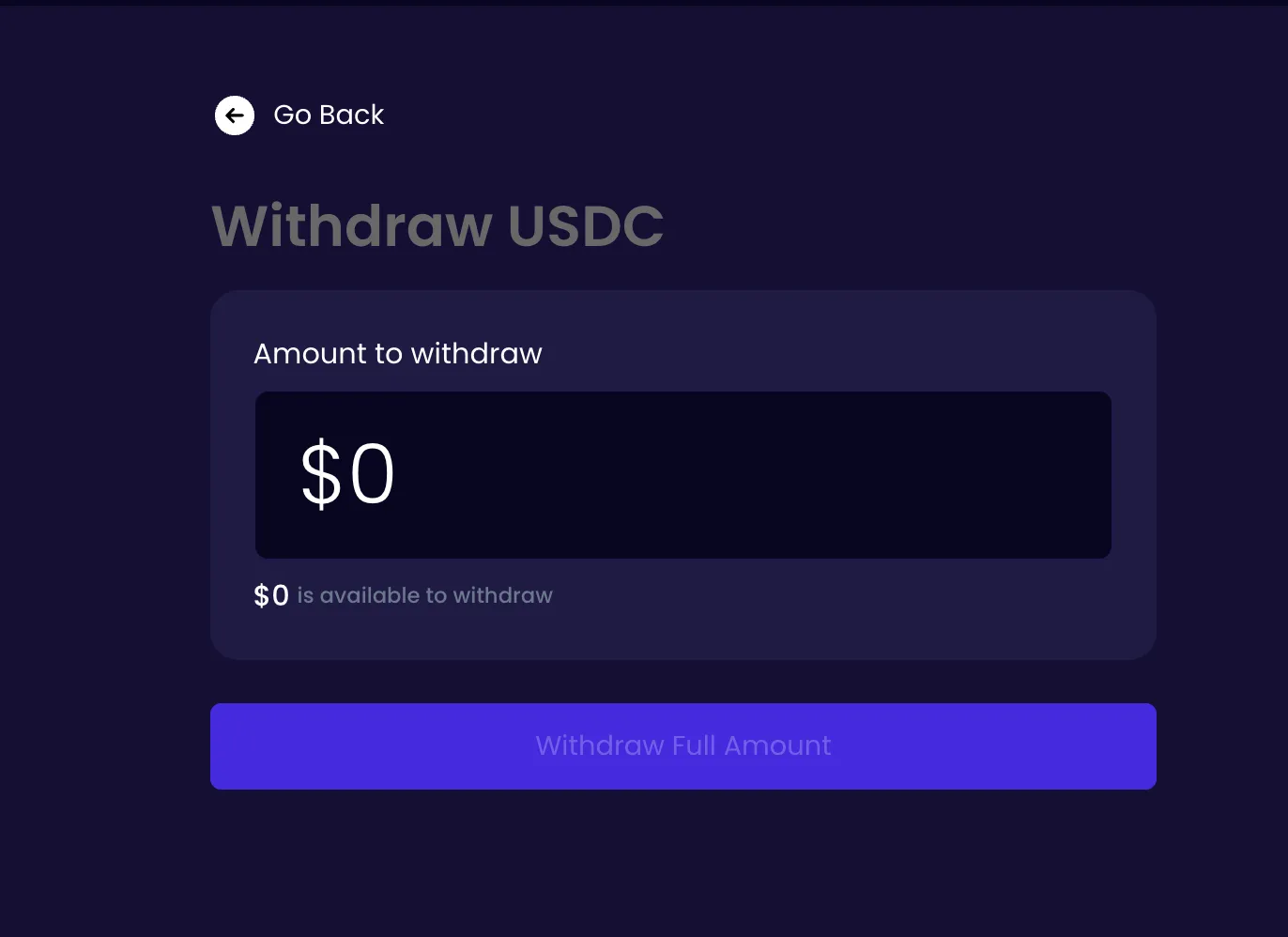
- Click Withdraw Full Amount (or enter a custom amount).
- Review the withdrawal details.
- Confirm the transaction.
Your card balance will be automatically withdrawn as USDC to your linked Osmosis wallet address.
Go to the Card page.
Under Load Options, select Withdraw USDC.
Enter a custom amount or select Withdraw Full Amount.