

How do I withdraw my card balance?
Updated July 8, 2026
You can withdraw any remaining card balance to your wallet until September 6, 2026 .
Here’s how to request a withdrawal:
- Log in to your Cypher account.
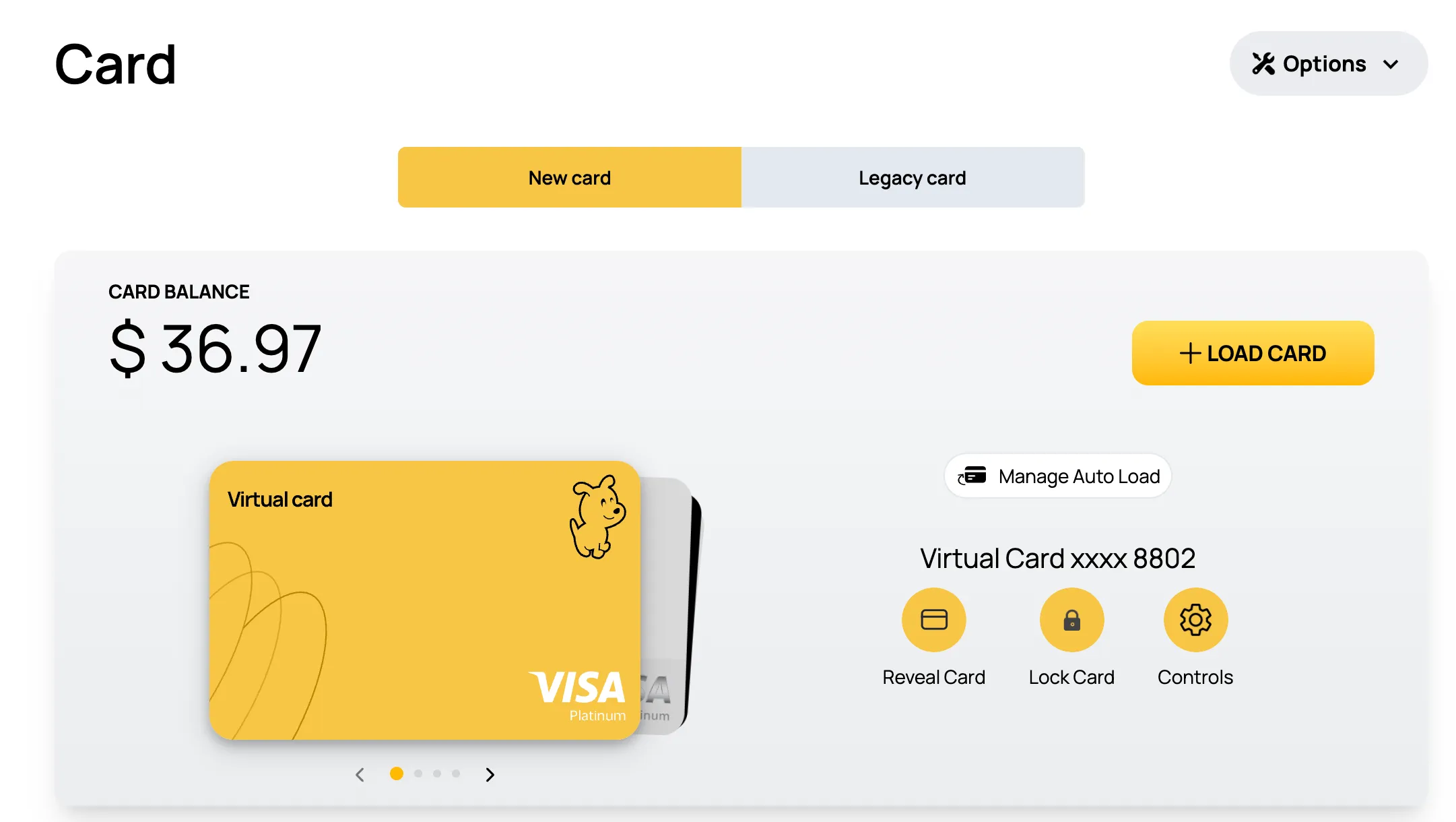
- Go to the Cards section.
- Tap on Options (top-right corner).
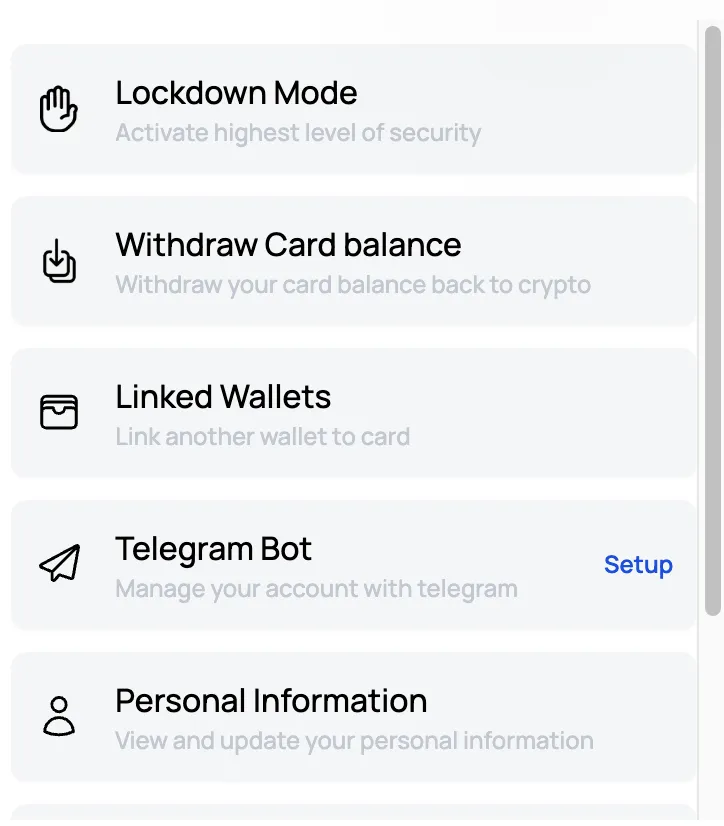
- Select Withdraw Card Balance.
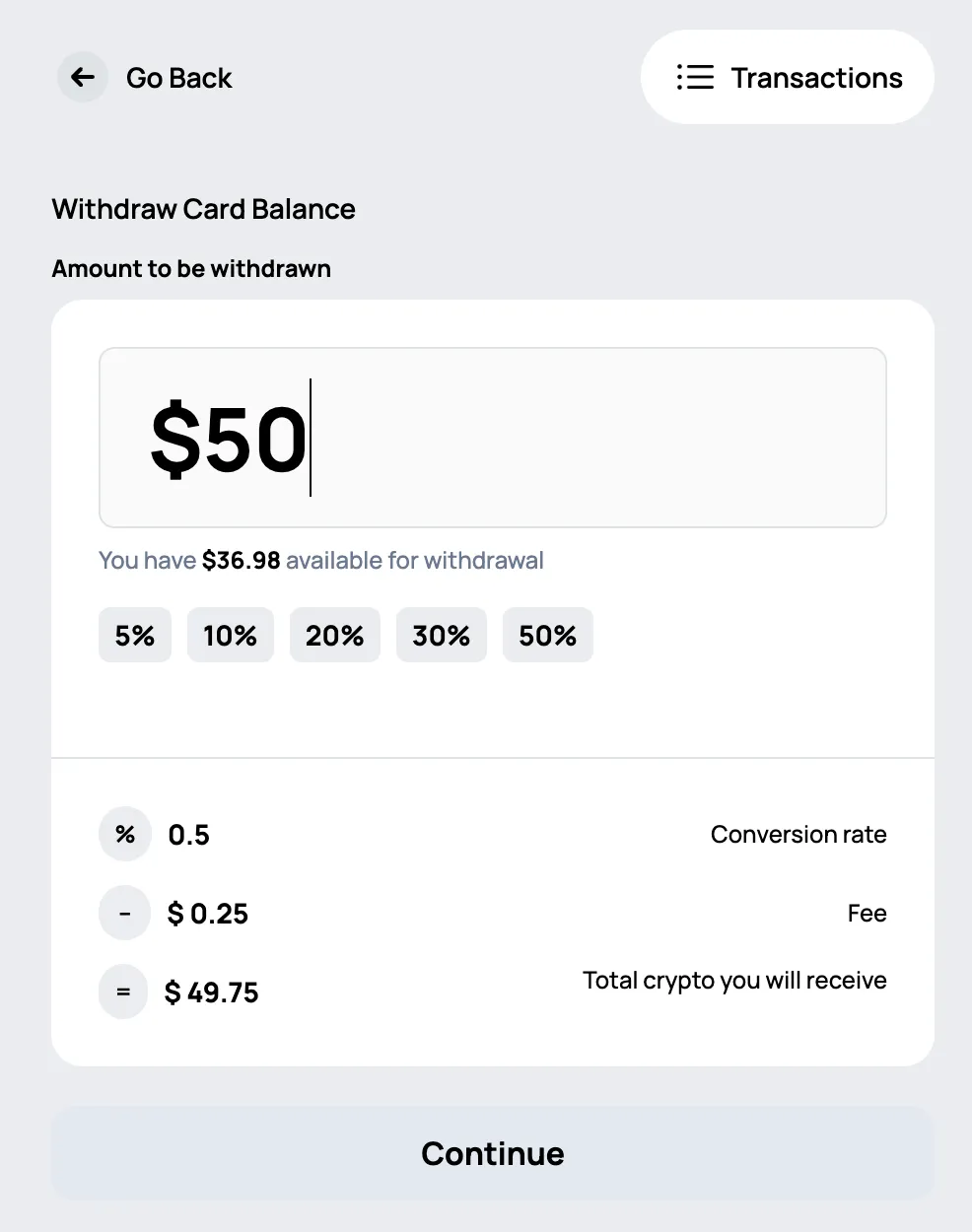
- Enter the amount you want to withdraw and follow the steps to complete the process.
Go to the Cards section.
Select “Withdraw Card Balance”
Enter the amount you want to withdraw
Good to know:
- Your funds are completely safe and can be withdrawn at any time before the deadline, with no fees.
- Withdrawals are processed in USDC on Base and may take 24 to 48 hours to reflect in your wallet.
- You can keep spending your balance instead, until card spending ends on August 8, 2026 at 12:00 AM UTC .
Please ensure that you withdraw your funds from your account before September 6, 2026 .