How to withdraw balance from Moonwell card
Updated July 29, 2026
- Log in to your Moonwell account.
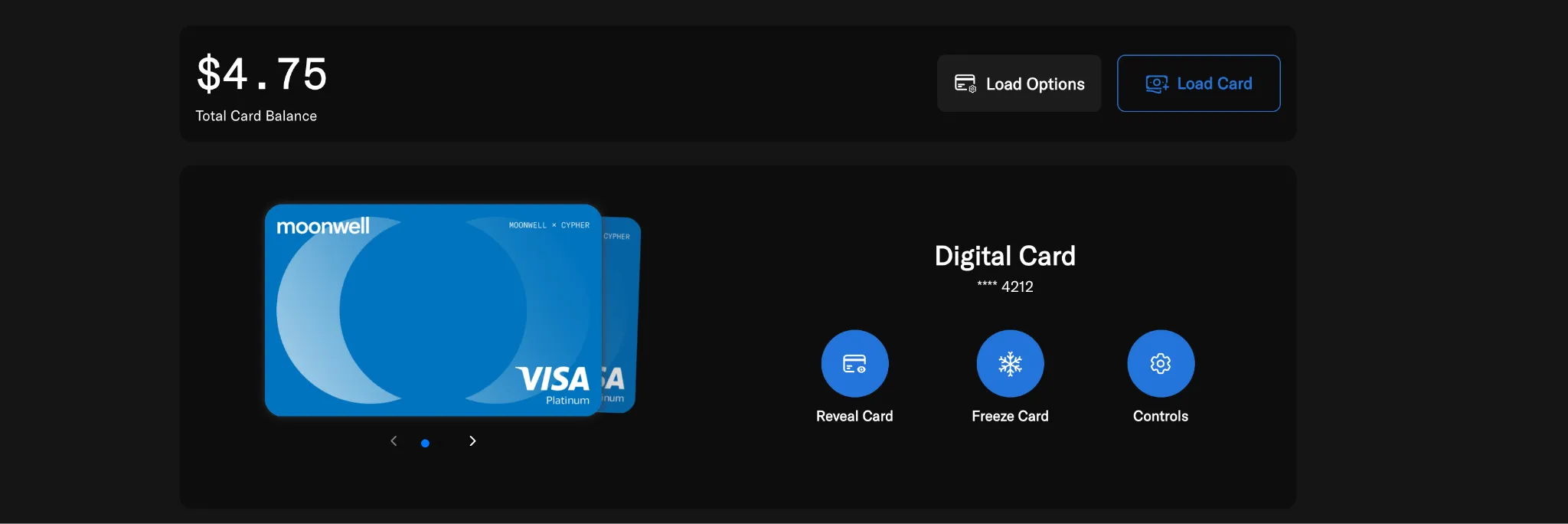
- Go to the Card page.
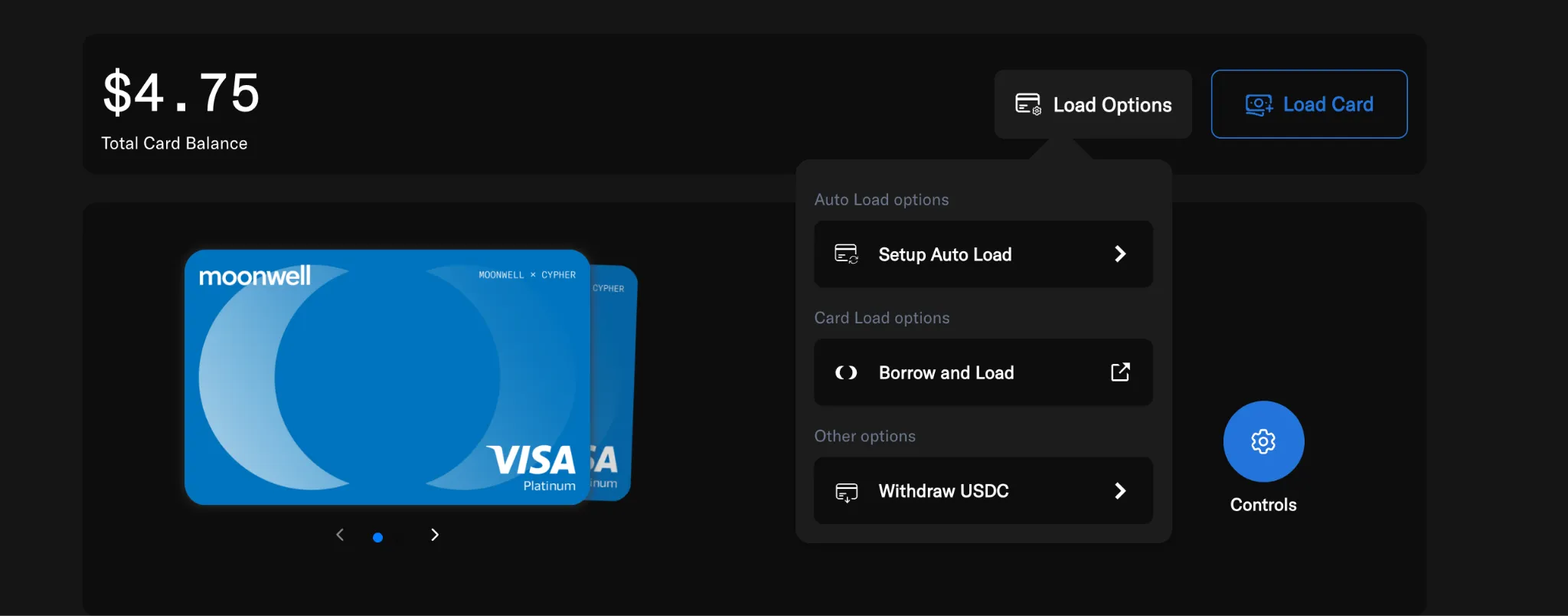
- Click Load Options.
- Select Withdraw USDC.
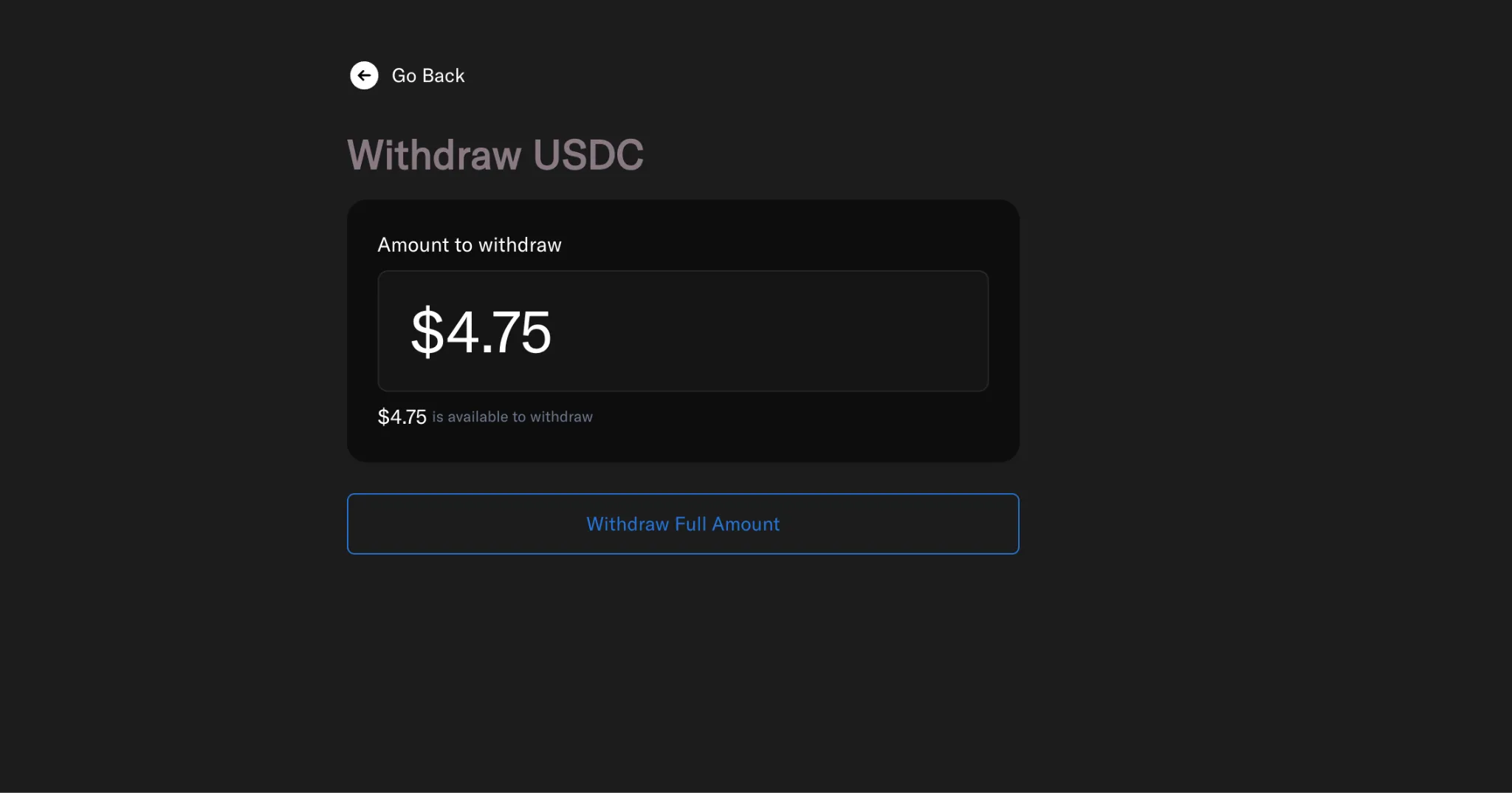
- Click Withdraw Full Amount (or enter a custom amount).
- Review the withdrawal details.
- Confirm the transaction.
Your card balance will be automatically withdrawn as USDC on the Base network to your linked Moonwell (EVM) wallet address.
Go to the Card page.
Under Load Options, select Withdraw USDC.
Enter a custom amount or select Withdraw Full Amount.